Create and notify
Login to the site and create a new Meeting at Content > Add content > Meeting
Time and place
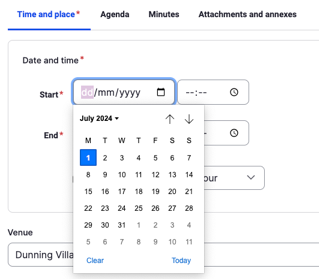
- Select date and time from drop down pickers. Default duration is one hour
- Set Venue (default is the Village Hall)
Agenda
Create an agenda on the 'Agenda' tab.
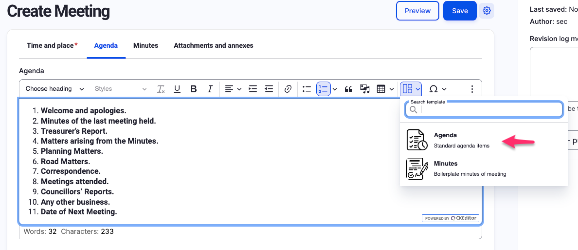
You can insert boilerplate text from the Template button in the text editor, and modify as required. Let Rob know if this boilerplate needs changing in the longer term.
Saving
When saving at this point, note the following:
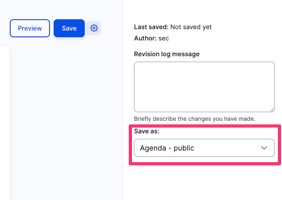
- Check that the status is 'Agenda - public' - this will make the agenda, date, time and venue public on the website and be added as the prominent (first) item on the Meetings page.
- The DCC committee members will be emailed a copy of the agenda when 'Save' is pressed for the first time. This can be configured at Admin > People > Meeting recipients